Import Directly from Your Browser
The fastest way to save recipes—no copy-pasting required. Just tap share and send it straight to Peel.
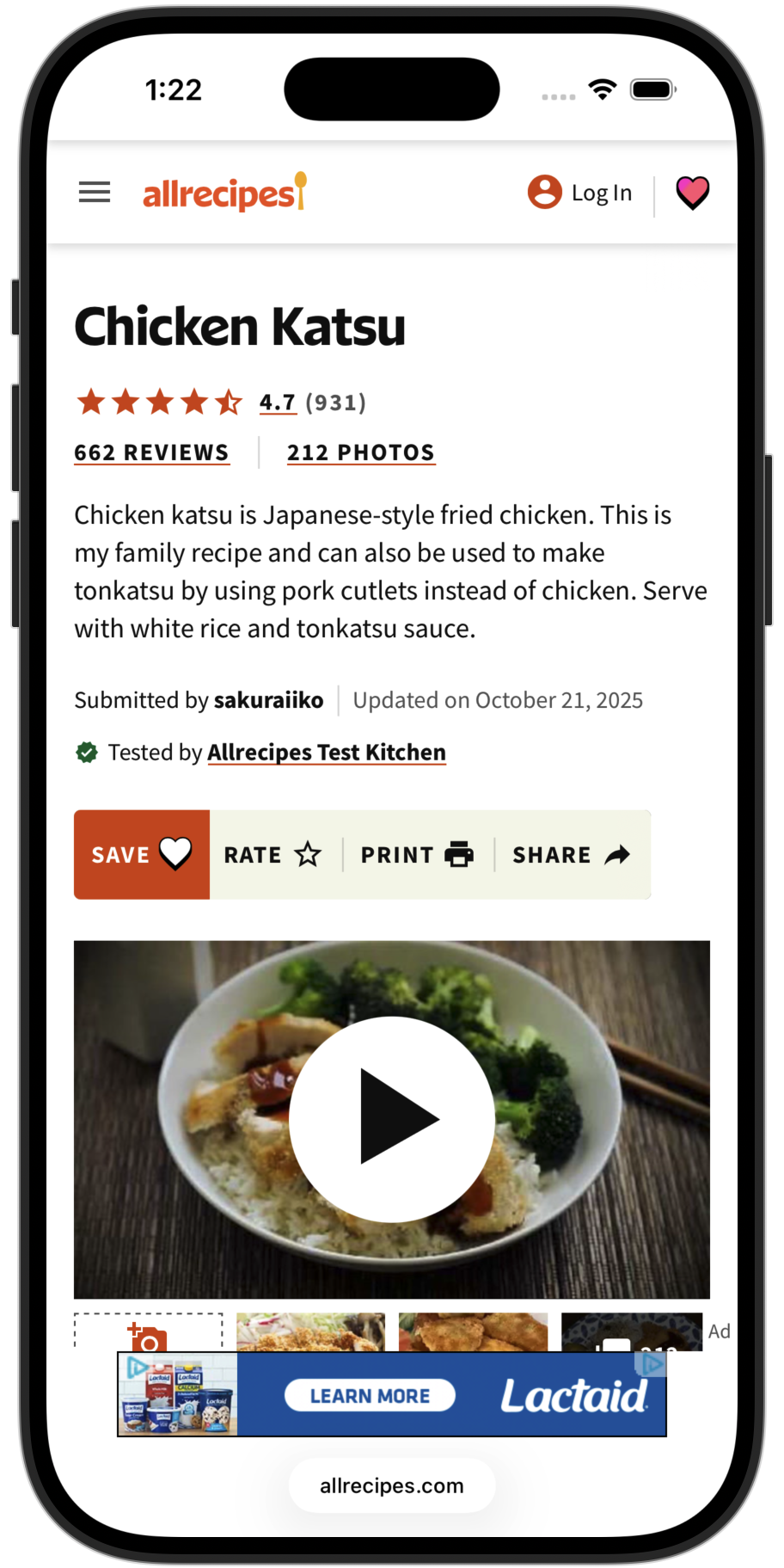
1. Find a recipe
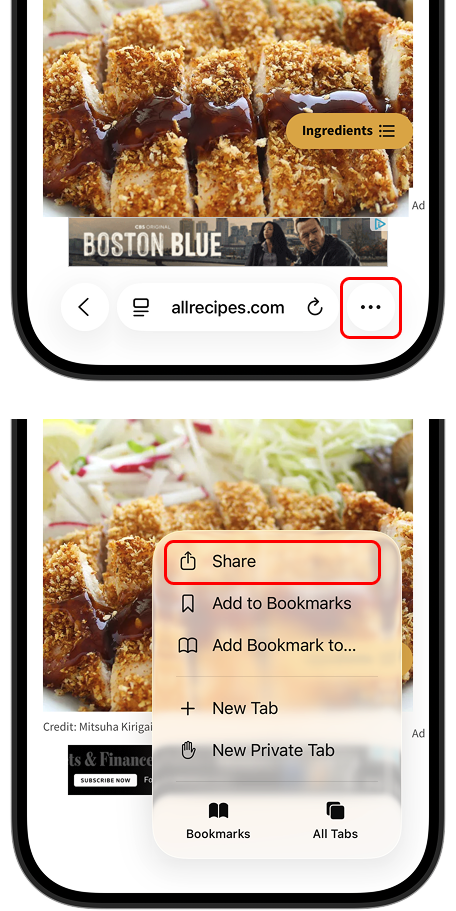
2. Tap Share
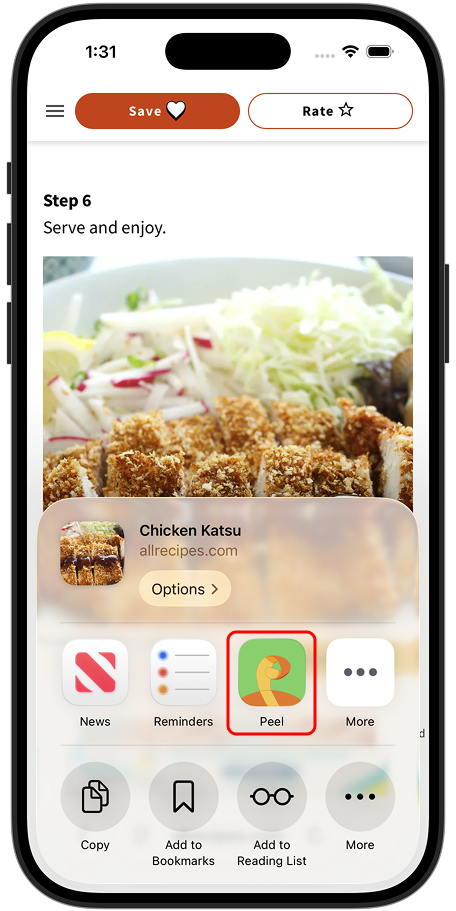
3. Select Peel
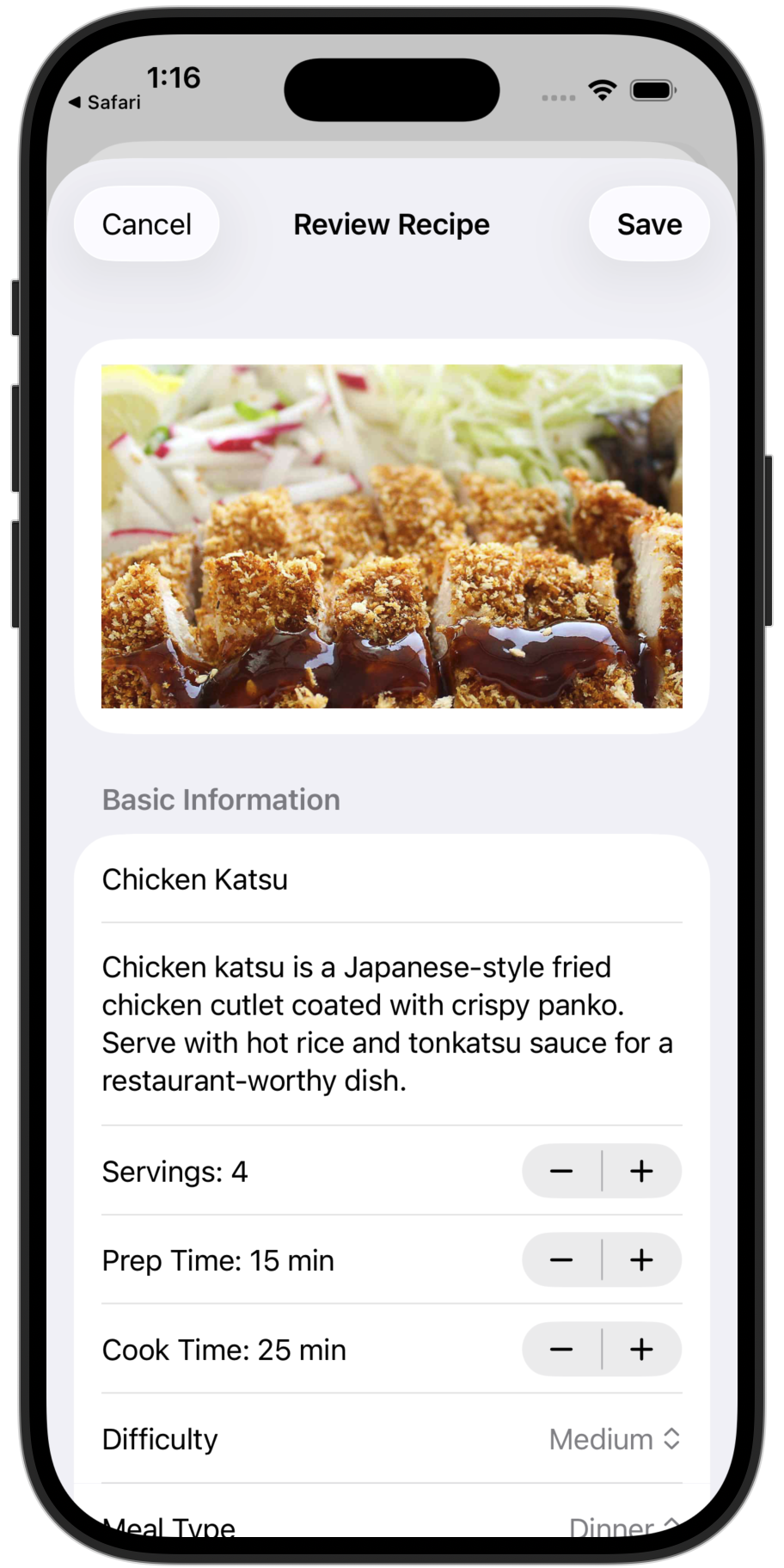
4. Recipe saved
Works with Safari, Chrome, Firefox, and any other browser on your iPhone or iPad.
Free and unlimited: Web imports are always free with no limits.
Paste a URL in the App
You can also import by copying a URL and pasting it directly in Peel.
1. Copy the recipe URL
Navigate to the recipe page in your browser. Make sure you're on the specific recipe, not a category page. Copy the URL from the address bar.
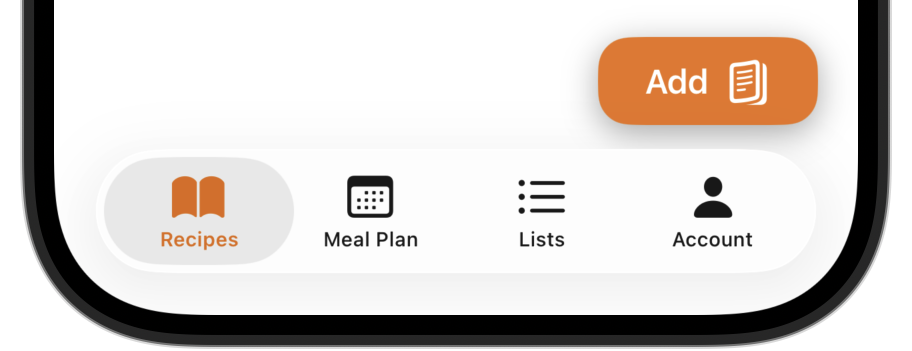
2. Open Peel and tap Add
Go to the Recipes tab and tap the Add button. Select "From Web URL".
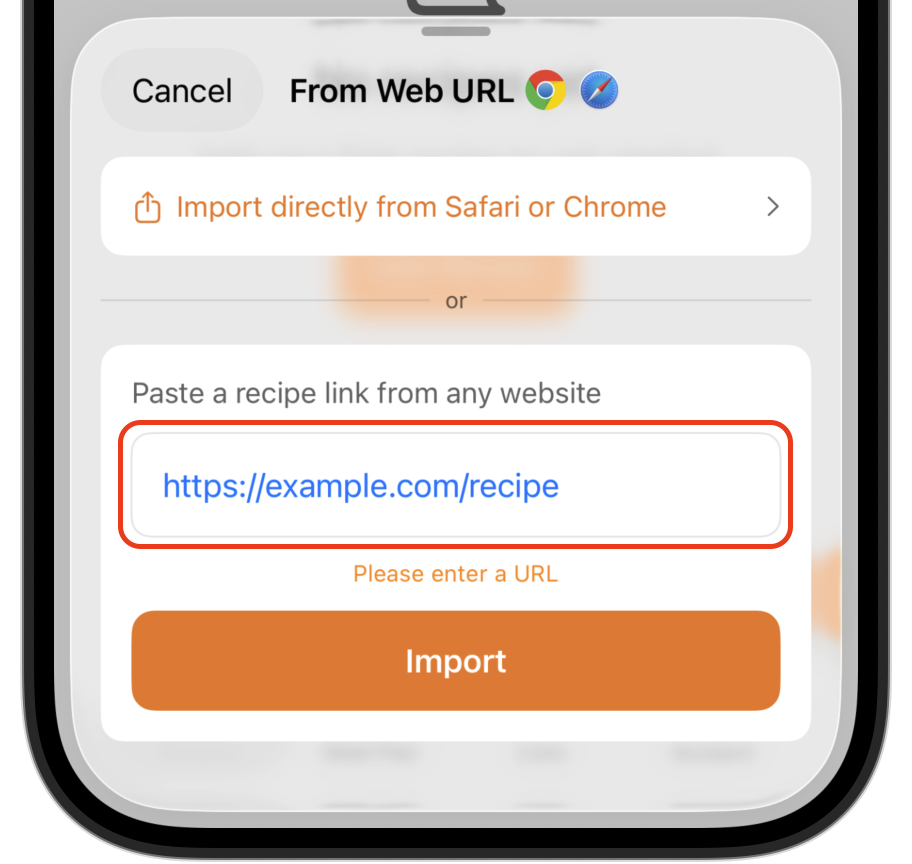
3. Paste and import
Tap the text field, paste your URL, and tap Import.
4. Review and save
Preview the extracted recipe, make any edits needed, then tap Save.
Supported Sites
Peel works with thousands of recipe websites. Some popular examples:
...and virtually any site that uses standard recipe markup (most food blogs do).
Paywalled sites: Some sites like NYT Cooking require a subscription. Peel can only import what's publicly accessible.