The free weekly meal planner printable is below. Click the print button, and only the planning grid and grocery list section will come out. Everything else on this page disappears. No wasted ink. This is an actual, functional template you can put on your fridge today. Further down, if you are on an iPhone, I will show you how Peel does the same thing digitally and auto-generates the grocery list for you.
A quick note for iPhone users: Peel is iOS only. If you are on Android, the printable is your best option from this page. If you are on iPhone and open to skipping the paper version entirely, the meal planning app comparison has a full breakdown of your options.
Free Weekly Meal Planner Printable
With grocery list section. Click Print to get just the template.
| Meal | Sunday | Monday | Tuesday | Wednesday | Thursday | Friday | Saturday |
|---|---|---|---|---|---|---|---|
| Breakfast | |||||||
| Lunch | |||||||
| Dinner | |||||||
| Snacks | |||||||
| Notes | |||||||
Weekly Grocery List Section (prints with the template above)
Produce
Protein / Dairy
Pantry / Other
This section prints below the meal grid. Fill in ingredients after planning your week.
On iPhone? Peel does this digitally. Save your recipes, build a weekly plan, and get the grocery list auto-generated. Free to download. Real free tier after the trial — no lock-out.
Download Peel FreeiOS only. Android coming soon.
How to Use This Weekly Meal Planner Template
The template is a Sunday-through-Saturday grid. Most people grocery shop on weekends, so planning from Sunday lets you shop and cook in the same motion. If you prefer Monday as your week start, just write the days in yourself over the printed headers.
Filling it in takes about ten minutes if you have recipes in mind. Three practical tips that make the difference:
- Plan dinner first, work backward to lunch. Dinners drive the grocery list. Lunches can often be planned around dinner leftovers, which cuts both planning time and ingredient count.
- Leave one night blank intentionally. Every week has a night when plans change. A blank slot is not failure, it is buffer. Planning six dinners and cooking five is still a good week.
- Write the recipe source next to each meal. "Chicken thighs - Budget Bytes" or "pasta - saved in Forks Over Knives." You will thank yourself Thursday evening when you can't remember where you found the recipe you planned for Wednesday.
The grocery list section at the bottom of the printed page is divided into Produce, Protein/Dairy, and Pantry. Fill it in after you have planned your meals for the week, pulling ingredients from each recipe. That transcription step is the gap this post addresses later.
The Grocery List Gap: Why Printables Stop at the Plan
Here is the thing nobody tells you about paper meal planners. Planning the meals is the easy part. You write in five dinners, feel organized, put the planner on the fridge. Then you open the first recipe to build your grocery list.
The chicken thigh recipe needs garlic, olive oil, smoked paprika, chicken stock, and thyme. You write them down. The pasta dish also needs garlic and olive oil. You write them down again, then cross-reference to consolidate. The lentil soup needs garlic too. By the time you have gone through five recipes, you have a grocery list with ingredients scattered across three recipe cards or tabs, quantities to add up, and duplicates to catch.
Nobody in the printable template space talks about this. Canva, Adobe Express, and the dozen printable PDF sites that dominate the search results for "weekly meal planner printable" all stop the same place: the filled-in grid. The grocery list is your problem.
That gap is where Peel starts.
Printable vs. App: Which One Saves More Time
This is the comparison worth making honestly. Both approaches work. The question is which fits your workflow.
| Factor | Paper Printable | Peel (iPhone) |
|---|---|---|
| Time to start | Under 2 min (print, write) | Under 2 min (download, start trial) |
| Planning the week | Write meals by hand | Pick from saved recipes in pool |
| Grocery list generation | Manual: transcribe from each recipe | Auto: generated from all planned meals |
| Ingredient merging | You do it by hand | Automatic (garlic across 3 recipes = 1 line) |
| Day flexibility | Fixed grid (Mon = this meal) | Flexible pool (cook what sounds good) |
| Recipe storage | Recipe cards, bookmarks, tabs | All saved in one place, unlimited |
| Cost | Free (ink + paper) | Free (core features) |
| Requires phone | No | Yes (iPhone only) |
The printable wins on immediacy and simplicity. There is no app to learn, no account to create, and nothing standing between you and a meal plan on the fridge in five minutes. If you are new to meal planning and just want to try it this week, start with the template above.
The app wins on the grocery list. That one difference compounds every week. If you plan five dinners and each recipe has ten ingredients, you are manually processing fifty data points into a consolidated list every time you plan on paper. Peel turns that into one tap.
Taking Your Printable Meal Plan Digital with Peel
The feedback we kept hearing from early Peel users tracked closely with what you see on apps like Forks Over Knives: "I love that it generates meals for the week and I can swap recipes if something doesn't sound right." That flexibility is exactly what paper planners can't do without crossing things out and rewriting.
Here is how the transition works in practice. You start with the printable above. You fill in a week, figure out which meals you actually cooked versus which ones you skipped. That first week tells you a lot. Most people discover two things: they planned too many new recipes at once, and they want to swap meals mid-week when something doesn't sound right.
Both of those are frictions the printable can't fully solve. The digital version can.
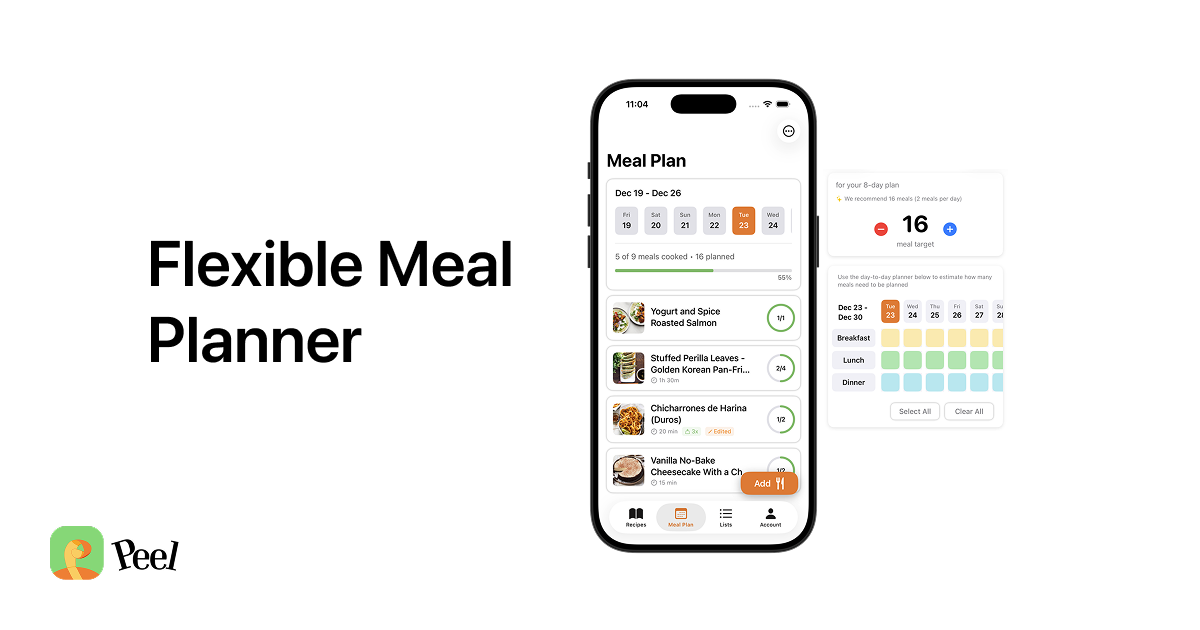
In Peel, you save your recipes from wherever you have them: any recipe website via the iOS share sheet, or manually entered. Each saved recipe stores the ingredients. When you add recipes to your meal pool for the week, Peel builds the grocery list from all of them automatically. Garlic appears in three recipes. Three garlic entries on three recipe cards become one consolidated garlic line on the list.
The Meal Pool Approach: Plan Flexibly Instead of Day-by-Day
Every printable meal planner commits you to a specific meal on a specific day. Monday is pasta. Tuesday is chicken. Wednesday is soup. That rigidity is one of the main reasons meal planning fails for people who try it. Life doesn't follow a Monday-through-Sunday grid.
We built Peel with a different assumption. Instead of assigning meals to days, you build a pool: five or six recipes you plan to cook this week, in no particular order. The grocery list comes from the pool. Then you cook whatever sounds right on a given night.
Tired on Wednesday? Cook the simpler pasta. Motivated on Thursday? Tackle the more involved recipe. The pool doesn't care. Nothing breaks. You already shopped for everything.
This is the structural difference between paper planners and Peel that doesn't show up in a feature list. The printable forces a decision: "What is Wednesday's dinner?" Peel asks a different question: "What five meals do you want available this week?" One question is harder to answer correctly. The other one you get right almost every time.
For a deeper look at how the pool approach works in practice, the flexible meal planning guide covers the full system. And if you are brand new to meal planning and want to start from scratch, the beginner's guide to meal planning has a first-week setup that takes about twenty minutes.
Frequently Asked Questions About Weekly Meal Planner Printables
How do I print this weekly meal planner template?
Does this weekly meal planner printable include a grocery list?
Should I start Sunday or Monday on my weekly meal planner?
Can I use this meal planner printable on my iPhone?
What is the difference between a printable meal planner and a meal planning app?
Is Peel free to use for meal planning?
Where to Go From Here
The printable at the top of this page is a real resource. Print it, put it on the fridge, and try a week of paper planning. It is the fastest way to figure out whether meal planning is actually useful for your household without committing to anything.
If you find yourself planning the same way week after week, the point where the printable becomes friction is the grocery list. That is the moment to take it digital. Peel is free on iPhone — real free tier after the trial, no lock-out — and the grocery list generation is the one feature that makes the whole system faster than paper.
I built Peel after testing every meal planning app and printable template system I could find. The gap was always the same: the plan existed, but the grocery list required starting over from scratch. After doing that manually enough times, you stop planning. Peel closes that loop. The printable gets you started. The app keeps you going.
Last updated: May 2026