Peel and Paprika Recipe Manager are both popular recipe apps, but they're built for different eras and different workflows. Paprika is a mature, feature-rich recipe manager that launched over a decade ago and still costs $4.99 as a one-time iOS purchase. Peel is a newer app designed for how people actually discover recipes in 2026: saving from TikTok, Instagram, and YouTube, with a flexible meal pool instead of a rigid calendar. In May 2026, Peel also added user-to-user recipe and meal plan sharing via connections and an inbox system. Paprika has nothing equivalent.
If you're looking for a Paprika alternative or trying to decide between the two, this guide covers every major difference: meal planning approach, recipe import, sharing, pricing, and platform support. For a broader look at the category, see our best recipe app roundup or our best meal planning apps guide.
Quick Comparison: Peel vs Paprika
| Feature | Peel | Paprika |
|---|---|---|
| Meal planning style | Pool-based (flexible) | Calendar (day-by-day) |
| Recipe import | Social media + web + photos | Web only |
| Grocery list | Auto-generated, real-time shared | Manual add, shared via same login |
| Recipe sharing | Send recipes/plans to any connection (free, v2.0) | None |
| Shared kitchen | Live shared kitchen with partner (premium) | Same-account login on multiple devices |
| Pricing | Free tier (premium available) | $4.99 per platform (one-time) |
| Platforms | iOS | iOS, Android, Mac, Windows |
| Recipe scaling | Yes | Yes |
| Cooking timers | No | Yes |
| Pantry tracking | No | Yes |
| Offline access | Yes | Yes |
Where Peel Wins
Flexible Meal Planning
This is the biggest difference between the two apps. Paprika uses a traditional calendar where you assign specific recipes to specific days: Monday is tacos, Tuesday is salmon, Wednesday is stir fry. If your plans change, you're rearranging a calendar.
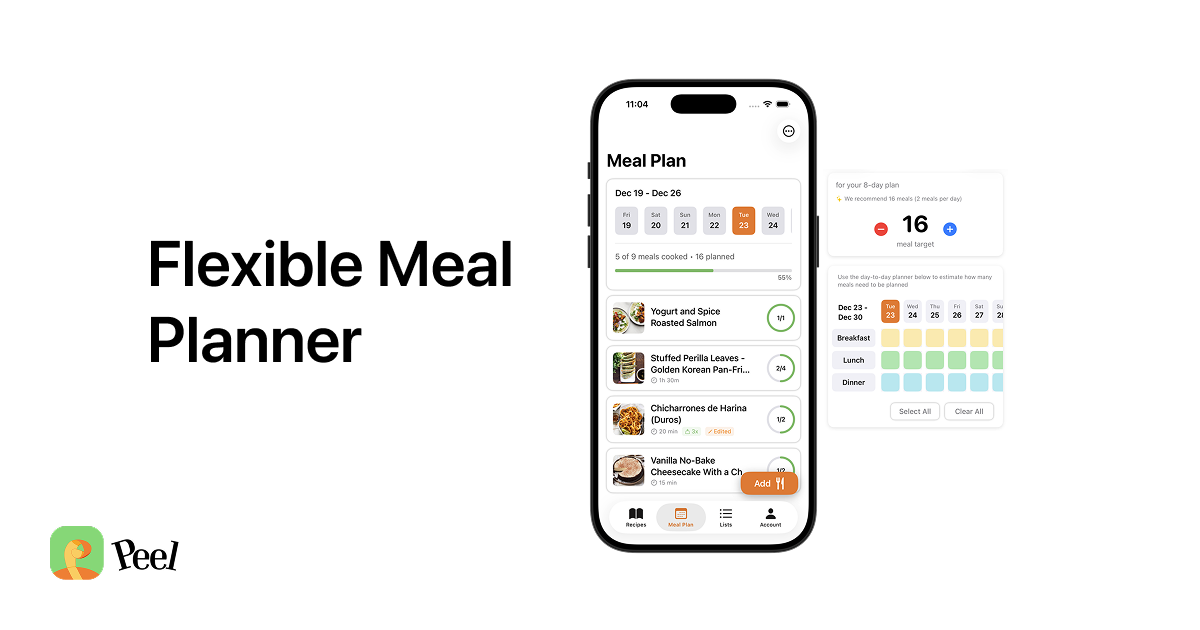
Peel takes a fundamentally different approach with its meal pool system. Instead of assigning recipes to days, you build a pool of options for whatever time period you choose. Each day, you pick from your pool based on what sounds good, how much energy you have, and what's in the fridge.
The result: you still plan ahead and shop once, but the daily decision becomes "which of these options sounds good tonight?" instead of "I have to make salmon because it's Tuesday." If you've tried meal planning before and it didn't stick, the pool approach might be why.
Social Media Recipe Import
Paprika can only import recipes from websites with structured recipe data. It has an excellent web clipper, but that's the extent of its import capabilities.
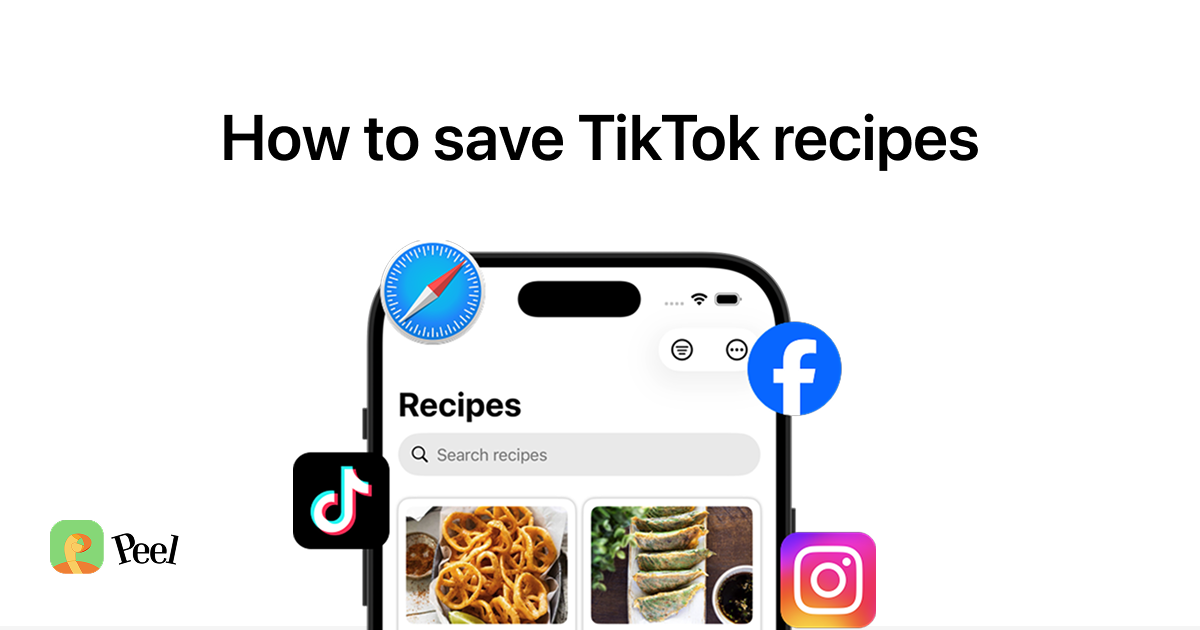
Peel imports from TikTok, Instagram, YouTube, any website, and even photos of handwritten recipes or cookbook pages. If you discover most of your recipes through social media (as many people do in 2026), Paprika simply can't capture those.
Sharing and Recipe Sending (v2.0, May 2026)
Paprika supports "sharing" by logging into the same account on multiple devices. Both users see the same data because they are literally the same user. No separate profiles, no individual preferences, no way to send a recipe to someone with a different account.
Peel added proper sharing in v2.0 (May 2026). There are now two distinct tiers. Free with an account: you can send individual recipes or full meal plans to any Peel connection. They receive it in their inbox, can accept it to their kitchen, or dismiss it. This is proper recipe sharing, not a shared login workaround.
Premium adds the partner kitchen: a live shared kitchen where both partners see the same recipes, meal pool, and grocery list in real time. One subscription covers both people. I made that a deliberate choice from day one. The whole point of Peel is managing a kitchen together. Charging couples twice to share the same kitchen never made sense to me.
Pricing
Peel has a free tier with unlimited recipe storage, unlimited web imports, meal planning, grocery lists, and the v2.0 recipe sharing features. Premium unlocks unlimited TikTok/Instagram/YouTube imports and the partner kitchen.
Paprika charges $4.99 per platform as a one-time purchase. That sounds affordable until you need it on multiple devices: $4.99 for iOS, $4.99 for Mac, $4.99 for Android, $29.99 for Windows. Up to $44.96 for the full set. Cloud sync requires all devices to be purchased separately.
Where Paprika Wins
Cross-Platform Support
Paprika is available on iOS, Android, Mac, and Windows. If you switch between an iPhone and a Windows PC, or share recipes with an Android user, Paprika has you covered. Peel is currently iOS only.
Cooking Timers
Paprika has built-in cooking timers that let you start multiple named timers directly from a recipe's instructions. This is a genuinely useful feature for people who cook complex recipes with multiple components running simultaneously. Peel doesn't have cooking timers. (Both apps support recipe scaling.)
One-Time Purchase
If you dislike subscriptions on principle, Paprika's one-time purchase model is appealing. Pay once, own it forever (per platform). I used Paprika for a while before building Peel, and the one-time pricing was genuinely one of its best qualities. No ongoing cost, no features gated behind a paywall after you pay.
Pantry Tracking
Paprika lets you track what's in your kitchen so you can plan meals around ingredients you already have. This reduces waste and helps you avoid buying duplicates. Peel doesn't have pantry tracking.
Who Should Choose Peel
- You find recipes on TikTok, Instagram, or YouTube and want to actually cook them
- You've tried rigid meal planning calendars and they didn't stick
- You want to send recipes and meal plans to friends or family (v2.0 feature, free)
- You cook with a partner and want a shared kitchen with real-time grocery list sync
- You want a permanent free tier that keeps your recipes even after you cancel
- You prefer a modern, streamlined interface over feature density
Who Should Choose Paprika
- You need cross-platform support (Android, Windows, Mac)
- You want deep cooking features like built-in timers and pantry tracking
- You strongly prefer a one-time purchase over any subscription
- You primarily save recipes from websites, not social media
- You want pantry tracking to plan meals around what you already have
The Bottom Line
Paprika is a mature, powerful recipe manager built for the web-recipe era. It's been around for over a decade, it works on every platform, and it offers deep cooking tools like recipe scaling, timers, and pantry tracking. If you want a Swiss Army knife of recipe management and don't mind the traditional calendar approach, Paprika is an excellent choice.
Peel is a modern meal planning app built for how people actually discover and cook recipes today. Its pool-based planning is genuinely different from the calendar model that every other app uses, and its social media import means you can actually use the recipes you save from TikTok and Instagram. If flexibility and simplicity matter more to you than feature depth, Peel is the better fit.
Both are good apps. The right choice depends on your workflow: where you find recipes, how you plan meals, what devices you use, and whether you cook with someone else.
Frequently Asked Questions
If your recipes come from TikTok and Instagram and you plan meals with a partner, Peel is free to try. Unlimited recipe storage and social import included on the free plan.
Is Paprika Recipe Manager free?
Can Paprika save recipes from TikTok?
Does Paprika have shared grocery lists?
Is Peel available on Android?
Can I switch from Paprika to Peel?
Last updated: June 2026