The average home cook has recipes scattered across at least five places. Screenshots in their camera roll. Links saved in browser bookmarks. Videos liked on TikTok. Collections on Instagram. Somewhere, a stack of printed pages from 2019 that never got filed anywhere.
None of those recipes get cooked, not because the person doesn't want to cook them, but because finding the right recipe when you actually need it requires excavating through digital clutter you've been accumulating for years.
Here's how to fix that. Not with a perfect system that takes four hours to set up, but with a practical approach that works for how you actually save recipes today.
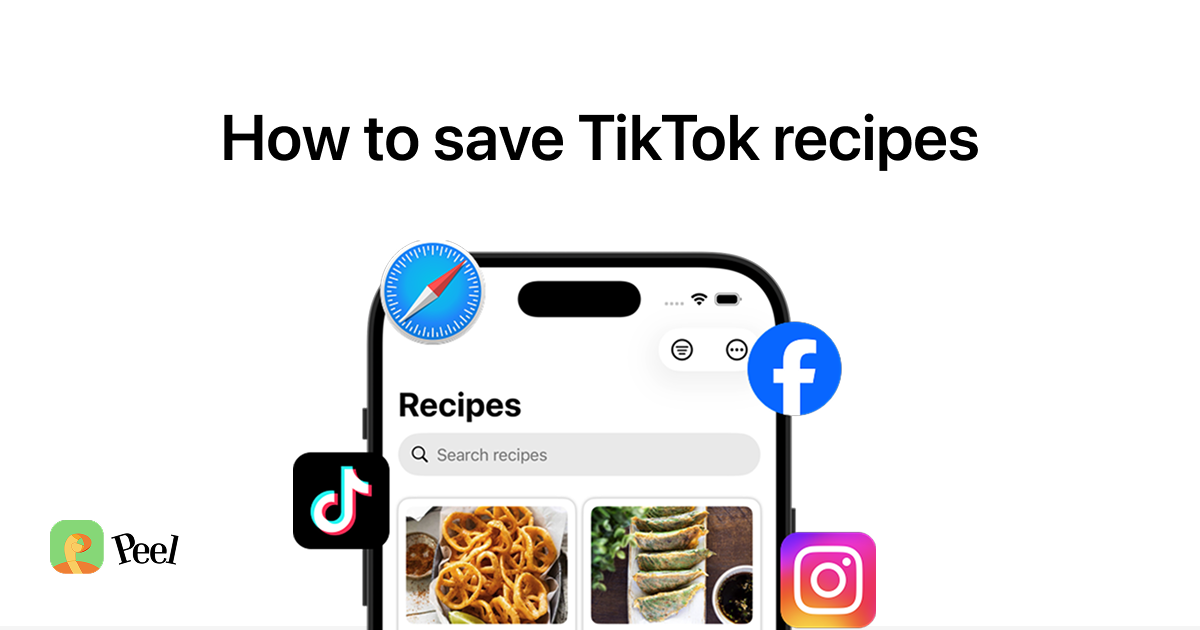
I built Peel so every recipe you find lands in one searchable place instead of scattered across screenshots, bookmarks, and liked videos. Save from TikTok, Instagram, YouTube, or any website, and cook from a real ingredient list.
Download Peel FreeiOS only. Free to start.
Why screenshots don't work as a recipe system
Screenshots feel like a solution in the moment. You see a recipe on TikTok, screenshot it before it scrolls past, and tell yourself you'll come back to it later. A few months on, you have 2,000 photos in your camera roll and zero idea which ones contain recipes.
The problems are predictable:
- You can't search them. Photo search by content is unreliable, you'll never reliably find "that pasta recipe from October."
- Screenshots rarely capture the full recipe. Ingredient amounts flash on screen for half a second in a video. A screenshot of someone mid-sentence doesn't help you cook anything.
- They get buried. Between vacation photos, memes your friend sent you, and receipts you photographed for expensing, recipe screenshots disappear fast.
- Videos get deleted. Creators take down content all the time. If you only saved a screenshot, the recipe is gone when the video goes.
The same problem applies to browser bookmarks, TikTok favorites, and Instagram Collections. They're places where recipes go to be forgotten.
What makes a digital recipe system actually work
Before picking a tool, it's worth being clear about what you need.
You need to capture recipes from wherever you find them. That means TikTok, Instagram, recipe websites, YouTube cooking videos, and possibly old cookbooks. A system that only handles one of those sources will still leave gaps.
You need them stored as readable text, not as images or video links, but something you can search by ingredient or recipe name and pull up while cooking with one hand.
And you probably want some connection to meal planning. A library of 300 recipes you never schedule to cook is just organized chaos at a higher level.
Google Docs or Notion
A lot of people try this. The appeal is obvious: free, flexible, works on every device.
The problem is that neither tool is built for recipes. Adding a recipe to Google Docs means opening the app, creating a new document, copy-pasting the recipe, formatting it, naming the file, and filing it somewhere. That's six steps per recipe. Most people do it once or twice and stop.
Notion is better if you genuinely like building systems. You can make a recipe database with tags and filters. But you're spending time building infrastructure rather than cooking, and neither Google Docs nor Notion can import recipes from TikTok or Instagram videos, which is where most people are actually finding recipes now.
These tools work if your collection is mostly website recipes and you already have a consistent filing habit. They're not great for anything social-media-first.
Paprika and Recipe Keeper
These have been the standard recommendation for years, and for website recipes they're still solid.
Paprika lets you save recipes from any URL using its built-in browser. You paste a link, it strips the recipe from the page, and you get a clean ingredient list and steps. The meal planner is basic but functional. If AllRecipes and food blogs are your main sources, Paprika works fine.
The catch: both apps were built before TikTok existed. Neither handles video recipes. Saving a recipe from an Instagram Reel or TikTok video into Paprika means manually typing out the ingredients and steps yourself. That's not a system, that's a lot of work for each recipe.
Paprika also costs $4.99 per platform, separate purchases for iPhone, iPad, Mac, and Android, with no free tier to try it first.
Apps built for social media recipes
This is the newer category, and it solves the TikTok problem specifically.
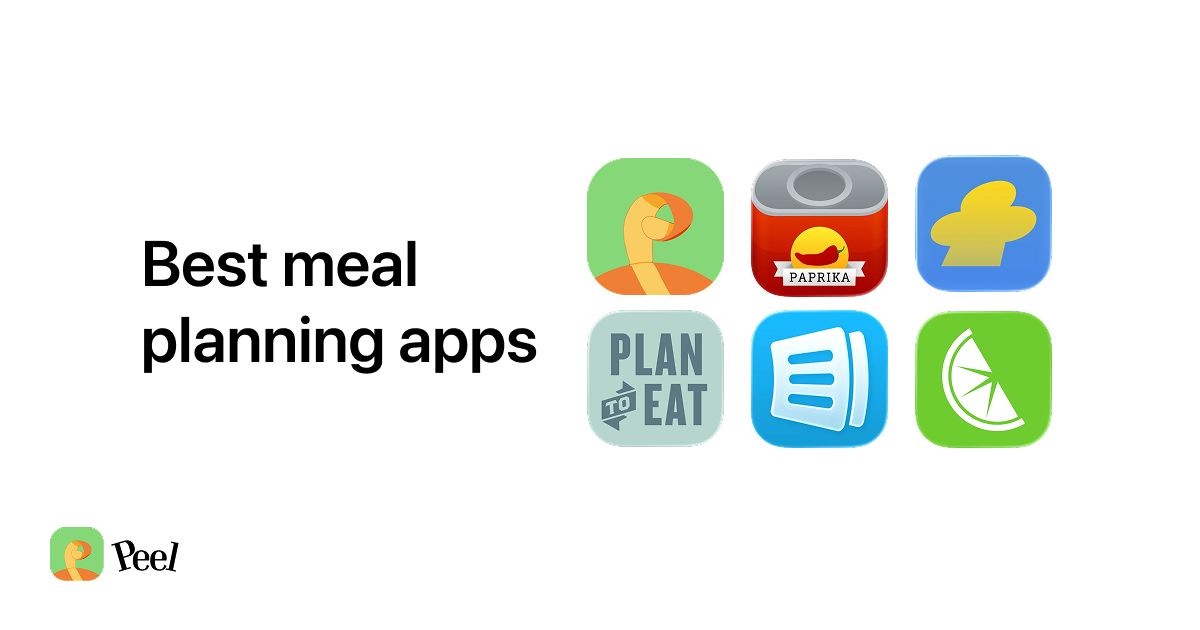
Apps like Flavorish, OrganizEat, ReciMe, and Peel all offer AI-powered recipe extraction from videos. You share a TikTok or Instagram Reel to the app, and it pulls out a real ingredient list with quantities and step-by-step instructions, not a screenshot, not a link, but an actual recipe you can cook from.
When a video gets deleted, your saved recipe stays. The content is searchable by ingredient or recipe name. You can read it on your phone while you're standing at the stove.
The apps differ in how they handle meal planning and grocery lists. Some are just recipe libraries. Others connect your recipes to an actual planning system. If you want to see how these stack up head to head, our roundup of the best recipe organizer apps in 2026 breaks down what each one does well.
The piece most people miss: connecting recipes to meal planning
A recipe library alone solves the organization problem but not the "what do I cook this week" problem. You've got 150 saved recipes, great. You're still staring at the fridge Sunday night without a plan.
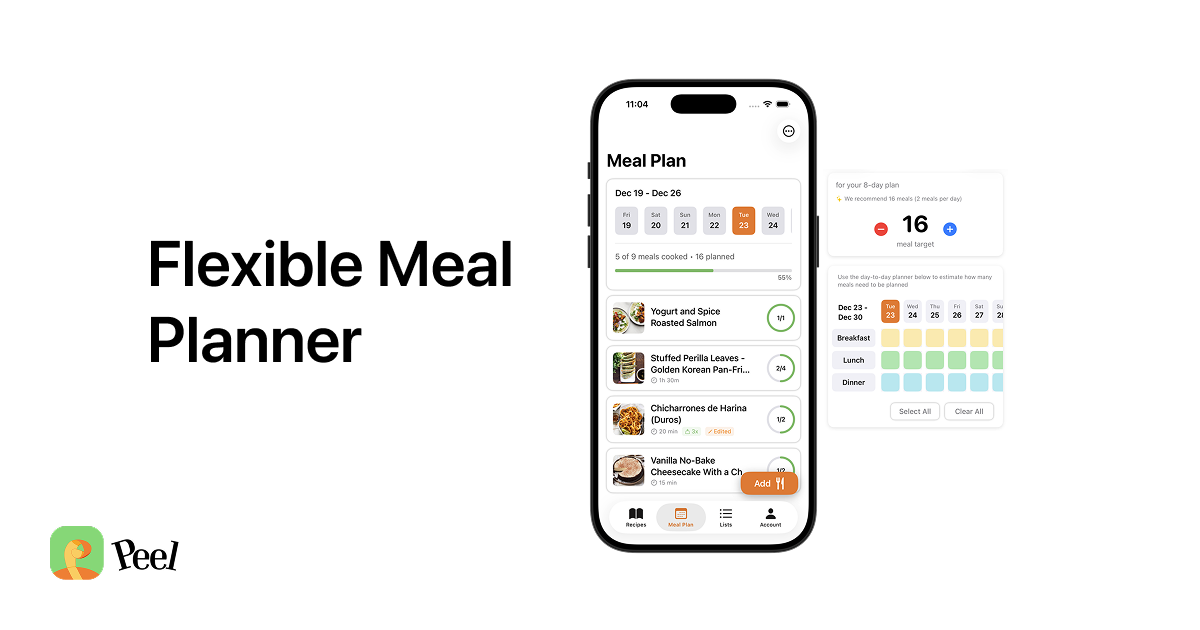
This is the gap that Peel's flexible meal planning approach addresses. When I built Peel, I wanted it to be the gathering place, the one kitchen where every recipe from every source finally lives together instead of scattered across five apps. The idea is that you save recipes from wherever you find them, then add some to a weekly "meal pool", not assigned to specific days, just available for the week. Each night you pick from the pool based on your energy, what you have time for, and what sounds good. The grocery list generates automatically from whatever's in the pool.
That's closer to how most people actually cook than a rigid calendar where Tuesday is always Pasta Night.
Peel is free to start, with a Premium plan at $2.99/month or $29.99/year that adds unlimited social media imports and shared kitchen features for couples.
How to actually migrate your recipe chaos
Whatever tool you choose, here's a practical approach to getting organized without it becoming a months-long project:
Start with your newest recipes, not your oldest. The temptation is to organize everything from scratch, going back years. Don't. Start with what you've saved in the last month, these are the recipes you're actually interested in cooking right now.
Process one source at a time. Pick the messiest source first (usually screenshots or TikTok saves) and clear it out. Trying to consolidate everything simultaneously is how this project dies on a Sunday afternoon.
Let the habit form before touching the backlog. Give yourself a week of forwarding new recipes to your chosen app. Once that's automatic, then go back for the old stuff.
Use tags from day one. A flat list of 200 unsorted recipes is almost as bad as screenshots. From the start, tag by cuisine type, cooking time, or how often you actually make it, whatever you search for.
Accept that some old screenshots can stay screenshots. If you have 600 recipe screenshots from 2022, you don't need to save all of them. Pick the ten you'd actually cook in the next month and move on. The rest can be deleted.
The simplest way to start
If you just want to stop the screenshot chaos without building a whole system:
- Download a recipe app that handles social media imports
- Next time you find a recipe on TikTok or Instagram, share it to the app instead of screenshotting it
- Tag anything you plan to make in the next week or two
- When you're at the store, the grocery list is already there
The technology to do this well has existed for a few years now. The problem has never been lack of tools, it's been tools that don't fit how people find recipes in 2026.
On cookbooks and handwritten recipes
If you have recipes from physical cookbooks or family recipe cards, some apps (ReciMe and OrganizEat among them) can import from photos. You photograph the recipe page and the app reads the text.
For cookbooks specifically, it's often easier to just bookmark the page and note which cookbook it's in, rather than transcribing every recipe you might someday make. Your time is better spent on the recipes you'll actually cook.
For more on connecting your recipe collection to an actual weekly plan, the meal pool method is worth reading. And if you want a full comparison of what the current recipe apps do well, best meal planning apps in 2026 covers the main options side by side.
Last updated: September 2026