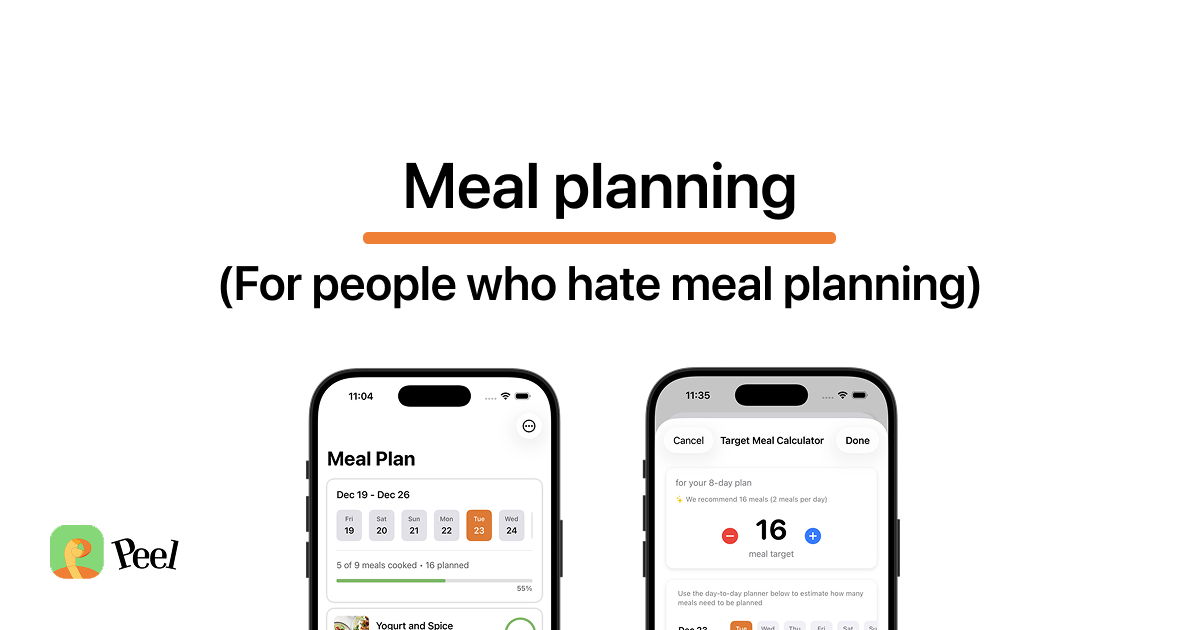
Most printable meal planners give you a grid with seven boxes, one for each day. But that rigid format is exactly why most meal plans get abandoned by Wednesday. This template is different. It uses the meal pool method: instead of assigning meals to days, you build a pool of options and pick what to cook based on your mood.
Download the Free Template
Printable PDF with a target meal calculator, meal pool, shopping list, tracking circles, and notes section.
Download PDF (Free)What's on the Template
This isn't a blank weekly calendar. The template is designed around the flexible meal planning method and includes four sections that work together:
- Target Meal Calculator. A breakfast/lunch/dinner grid spanning two weeks. Cross out meals you won't need to cook to find your exact target number.
- Meal Pool. Space for 9 recipes with tracking circles. List what you want to make, not when.
- Shopping List. Checkboxes and lines for all ingredients across your entire pool.
- Notes. Space for substitutions, leftovers, or anything else.
How to Use the Flexible Meal Planner
Here's a step-by-step walkthrough of how to fill out the template. It takes about 15 minutes and sets you up for 1-2 weeks of cooking without the rigidity of a traditional meal plan.
Set Your Date Range
Write in the dates you want to plan for. It can be a few days, a week, or two weeks, whatever fits your schedule. There's no rule that says you have to start on Sunday or plan exactly 7 days. Plan for whatever window makes sense for your next grocery trip.
Calculate Your Target Meals
Use the Target Meal Calculator grid. Each column is a day, each row is a meal (breakfast, lunch, dinner). Cross out any meal you know you won't need to cook:
- Eating out on Friday night
- Skip breakfast on weekdays
- Lunch at work
- Leftovers day
Count the remaining uncrossed boxes. That's your target number of meals, the number of meals you actually need to plan for.
Build Your Meal Pool
This is where flexible planning differs from traditional planners. Instead of assigning meals to specific days, list recipes in the Meal Pool section and write how many times you plan to cook each one.
Add enough variety to cover your target number without locking anything to a specific date. For example, if your target is 11 meals, you might add 6 recipes where some are planned for 2-3 servings.
Write Your Shopping List
Review the recipes in your meal pool and write all the ingredients you need in the Shopping List section. Since you're shopping for a pool of options (not a rigid daily plan), you'll actually use everything you buy, which means less food waste.
Track What You Make
The 5 circles next to each recipe are for tracking. Each time you cook a meal from your pool, fill in one circle. This helps you see what you're rotating through and what's being neglected. If a recipe still has empty circles at the end of your planning window, you know to either make it or swap it out next time.
Why This Works Better Than a Weekly Calendar
Traditional meal planning templates assign recipes to days. The problem is that life doesn't follow a script. You get tired on the night you planned the complex recipe. Plans change. Ingredients go bad because you didn't cook them on the "right" day.
The meal pool approach removes the pressure of daily assignments. You've already done the hard work, picking recipes and buying ingredients. The daily decision becomes simple: which of these options sounds good tonight?
When I built Peel, this was the exact problem I was trying to solve. I'd plan Monday through Sunday, feel good about it, and then a Thursday event or an unexpected dinner out would knock the whole schedule over, and a broken plan felt less like an inconvenience and more like failure. A pool flexes where a calendar can't. It also means you don't need an AI meal planner doing the thinking for you. A little structure does the work.
Tips for Getting the Most Out of the Template
- Mix difficulty levels. Include a couple of quick, low-effort meals (under 20 minutes) alongside more involved recipes. On tired nights, you'll be glad you have easy options in the pool.
- Think about freshness. Cook fish and delicate greens earlier in your window. Root vegetables, dried pasta, and canned goods can wait.
- Account for leftovers. If a recipe makes 4 servings and there are only 2 of you, that's 2 meals from one cook. Factor this into your target number.
- Use the Notes section. Write down ingredient substitutions, what worked, what didn't, or ideas for next time. This makes each planning cycle better than the last.
- Don't overfill the pool. More options isn't always better. If your target is 8 meals, 6-8 recipes is plenty. Too many choices can be overwhelming.
Want the Digital Version?
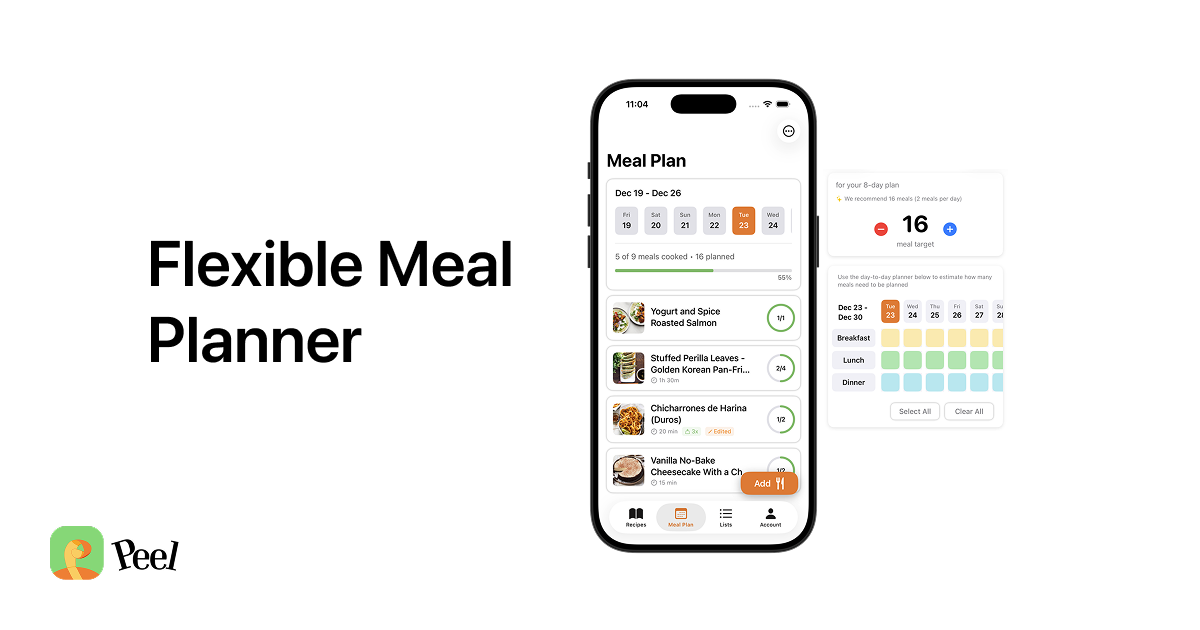
This printable is great for getting started with the meal pool method. But if you want to take it further, Peel is a free iOS app built around the same concept, and one of the best free meal planning apps for this flexible approach. Instead of writing recipes by hand, you can:
- Save recipes from TikTok and Instagram in one tap
- Import from any recipe website
- Build your meal pool and auto-generate a grocery list
- Share your pool and grocery list with a partner in real time
Think of it as the digital version of this template, with automatic ingredient extraction, smart quantity combining, and syncing built in. If you're still weighing your options, our guide to the best meal planning app walks through how flexible planning compares to the rigid, calendar-based tools.
Prefer pen and paper?
Grab the free printable and start planning with the meal pool method today.
Download PDF (Free)Frequently Asked Questions
What is the meal pool method?
The meal pool method is a flexible approach to meal planning where you build a pool of recipe options for a date range instead of assigning specific meals to specific days. You pick what to cook each day based on your mood, energy, and what's freshest in your fridge. Learn more in our complete guide to flexible meal planning.
How is this different from a normal meal planner?
Most meal planners assign recipes to specific days (Monday: Tacos, Tuesday: Salmon). This template uses a meal pool instead, you list recipes you want to make during a date range and choose each day what sounds good. There's no rigid schedule to fall behind on.
How many recipes should I add to my meal pool?
Use the Target Meal Calculator on the template to figure out exactly how many meals you need. Cross out meals you won't cook (eating out, skipping breakfast, etc.) and count what's left. Add enough recipes to your pool to cover that number, you don't need a different recipe for every single meal.
What are the tracking circles for?
The 5 circles next to each recipe are for tracking how many times you've cooked that meal. Each time you make a recipe, fill in one circle. This helps you see what you're rotating through and what's being neglected, so you can adjust next time.
Is there a digital version of this meal planner?
Yes. Peel is a free iOS app built around the meal pool concept. It lets you save recipes from TikTok, Instagram, and websites, build your meal pool, auto-generate grocery lists, and share everything with a partner in real time. It's $0 to start, Premium is $2.99/month for unlimited social media imports and shared kitchen features.
Last updated: August 2026