Download the App
Peel is available for iPhone and iPad. Download it free from the App Store.

Create Your Account
When you first open Peel, you'll see a brief onboarding. Then choose how to sign up.
Sign-in Options
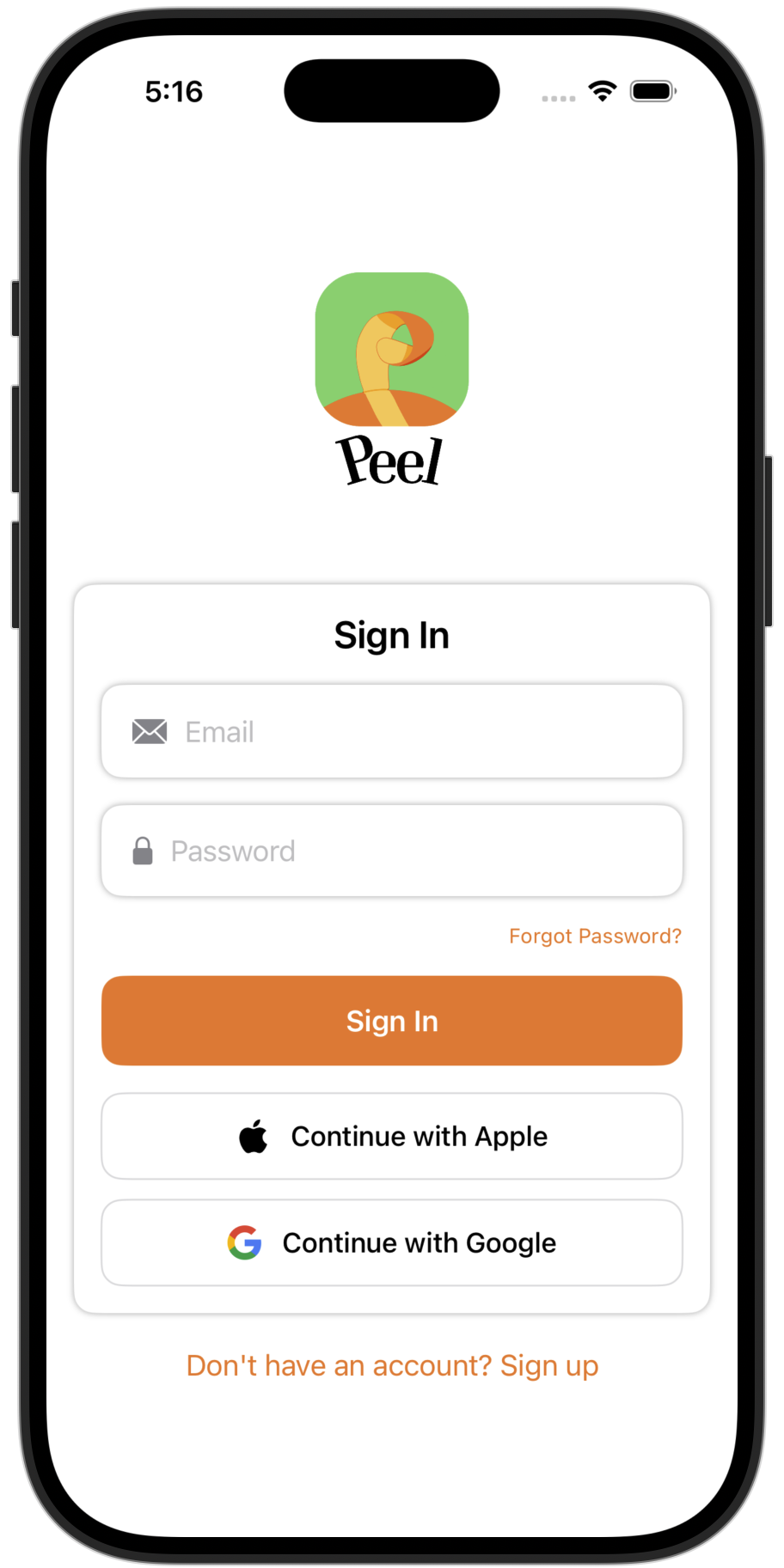
Note: Guest account data is stored on-device only and cannot be guaranteed. Create an account to preserve your data.
Set Up Your Kitchen
When you sign up, you'll automatically get a Personal Kitchen. We call them "kitchens" because our features—recipe management, meal planning, and grocery lists—are designed to help you run your home kitchen more smoothly.
Kitchen Types
Just for you. Created automatically when you sign up.
For couples. Share recipes, meal plans, and grocery lists with one other person.
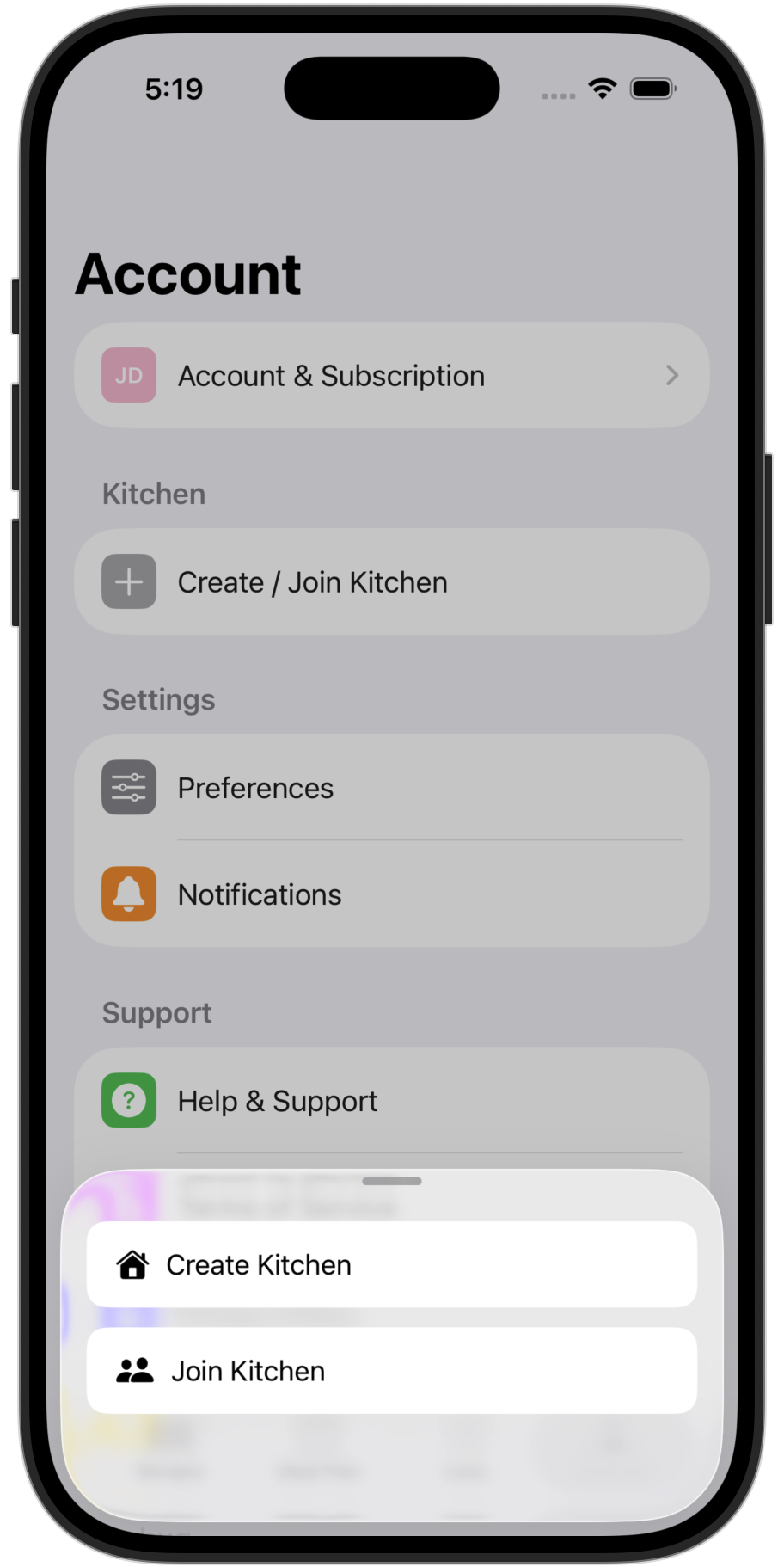
Note: Only one member needs Premium to create a Shared Kitchen—you can then invite a partner to join for free. Shared Kitchens currently support 2 members, with larger households coming soon.
Navigating the App
Peel is organized into four tabs, each representing a core feature designed to simplify how you manage food at home:
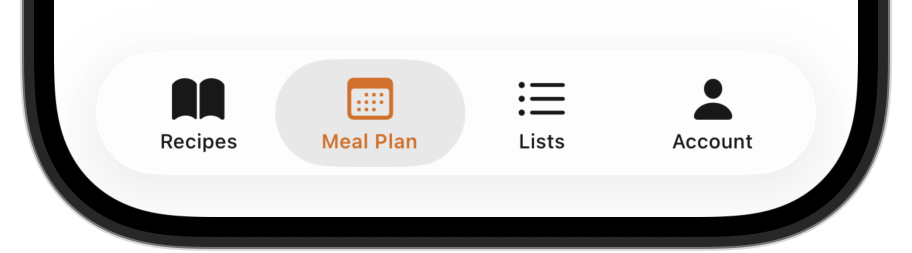
Import recipes from websites, social media, photos, or add your own. Build your family's digital recipe book.
Plan meals your way—no rigid weekly grids or required breakfast/lunch/dinner slots. Just flexible scheduling that fits your life.
Create shopping lists manually or generate them from your meal plan. Check off items as you shop.
Manage your profile, kitchen settings, subscription, and access help.
Add Your First Recipe
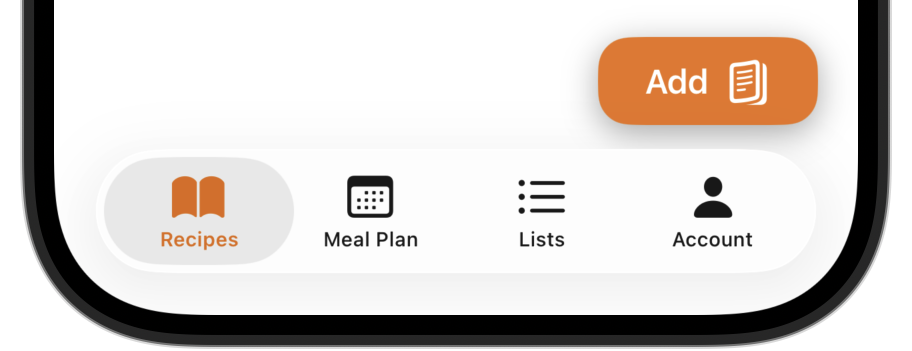
Tap the Add button on the Recipes tab to see your import options.
Import Methods
Import Directly from Your Browser or Social Media
The fastest way to save recipes—no copy-pasting required. Just tap share and send it straight to Peel.
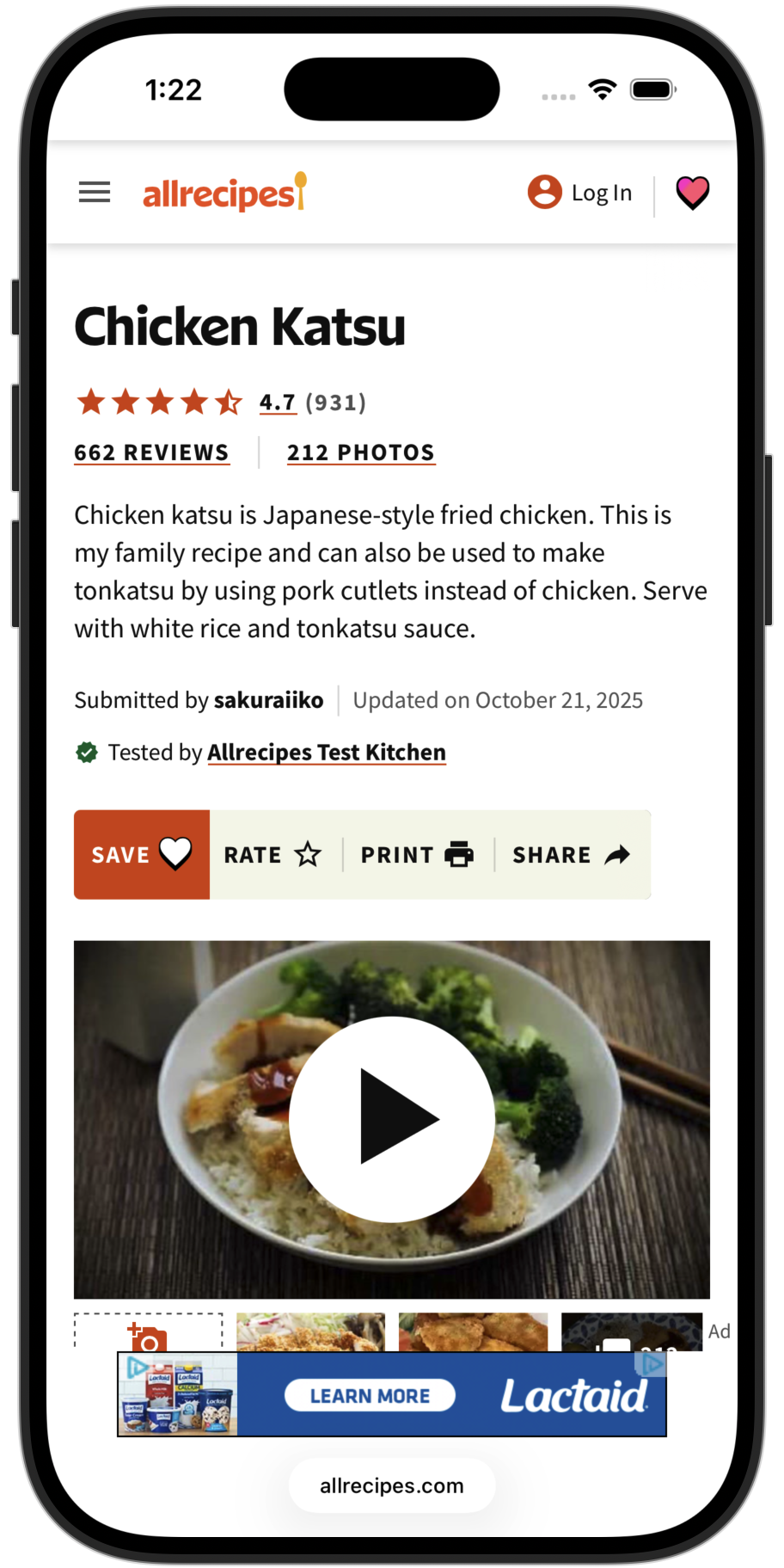
1. Find a recipe
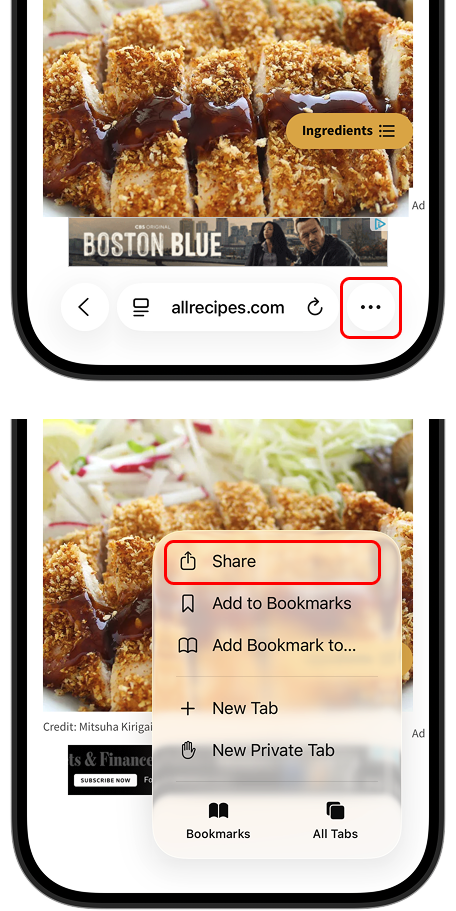
2. Tap Share
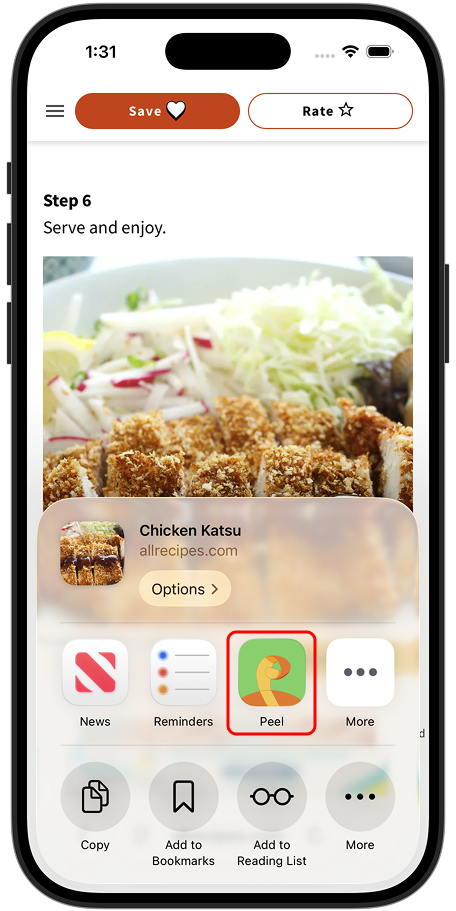
3. Select Peel
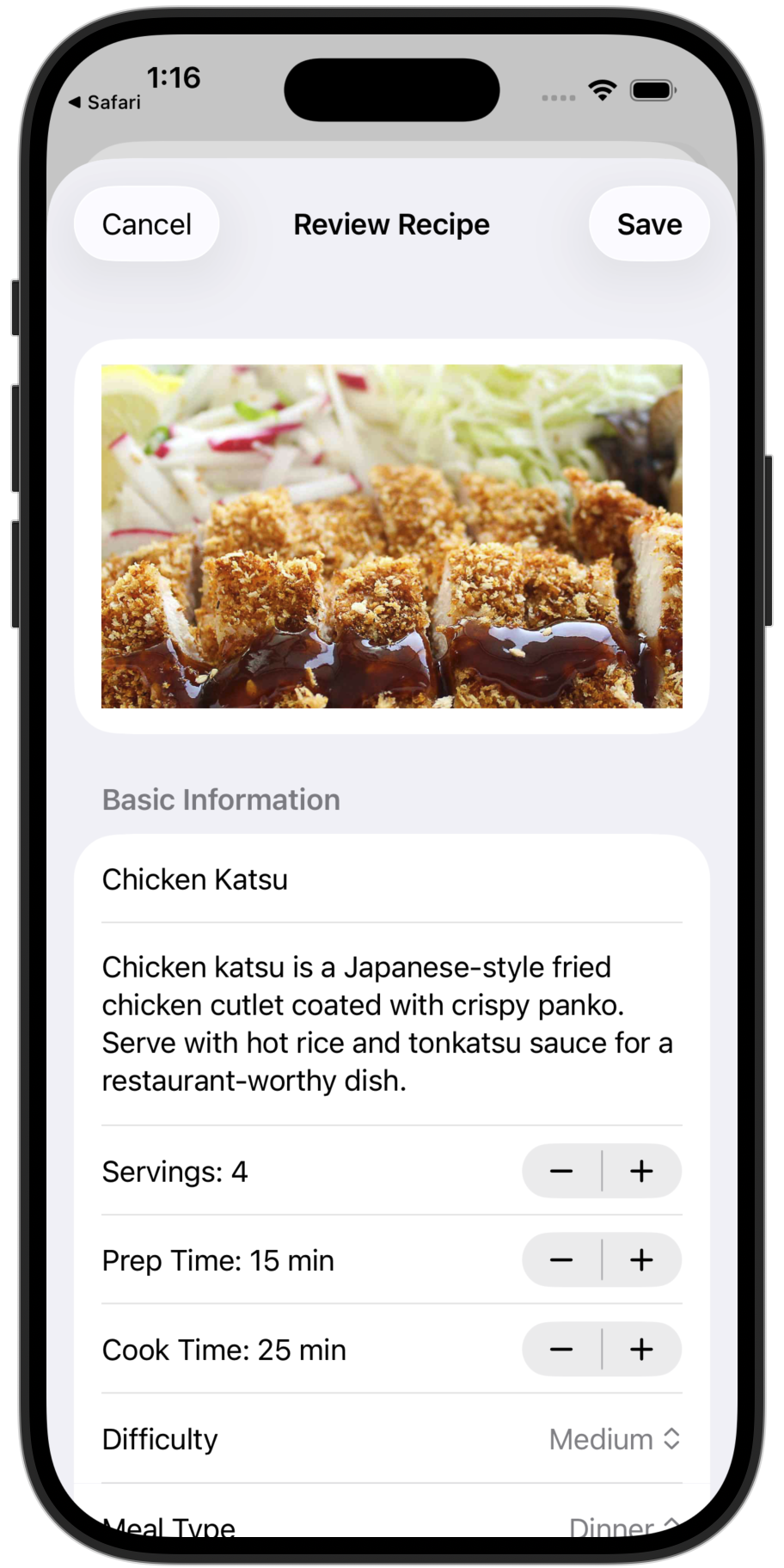
4. Recipe saved
Works with any browser (Safari, Chrome, Firefox, etc.) and social media apps like TikTok, Instagram, YouTube, Facebook, and Pinterest.
Other Ways to Import
Copy a recipe link and paste it directly in the app.
Snap a picture of a cookbook page, magazine, or handwritten recipe.
Type in your own recipe from scratch.
Free tier: Website imports and manual entry are unlimited. You get 5 credits to try social media and photo imports—upgrade to Premium for unlimited.
Next Steps
You're all set! We recommend checking out our Flexible Meal Planning guide next—it's one of the features that makes Peel unique.